Key points
- Recent Samsung and LG TVs can run a player without any extra box
- Some players need a one-off activation on their website
- On older TVs, a streaming stick usually performs better
If you would rather not add another device, a recent Samsung or LG TV can run TrimixIPTV on its own. You install a player from the TV's app store, sign in with your details and the channels appear on the TV's own home screen.
Check your TV first
Samsung TVs use Tizen and LG TVs use webOS. Models from roughly the last five or six years have the best app choice and enough memory for a large line-up. Update the TV's software before you start: on Samsung, Settings › Support › Software Update; on LG, Settings › General › About This TV.
Find a player
- Open the TV's app store: Apps on Samsung, LG Content Store on LG.
- Search for the player we recommend in your welcome message and install it.
- Open the player. Some show a MAC address or device key on screen; note it down if so.
- If the player needs activation, visit its official website on your phone or computer, enter the device key and add your TrimixIPTV details there.
Some TV players charge a small one-off activation fee after a free period. That fee goes to the app developer, not to TrimixIPTV. Ask us which players are free on your TV.
Sign in
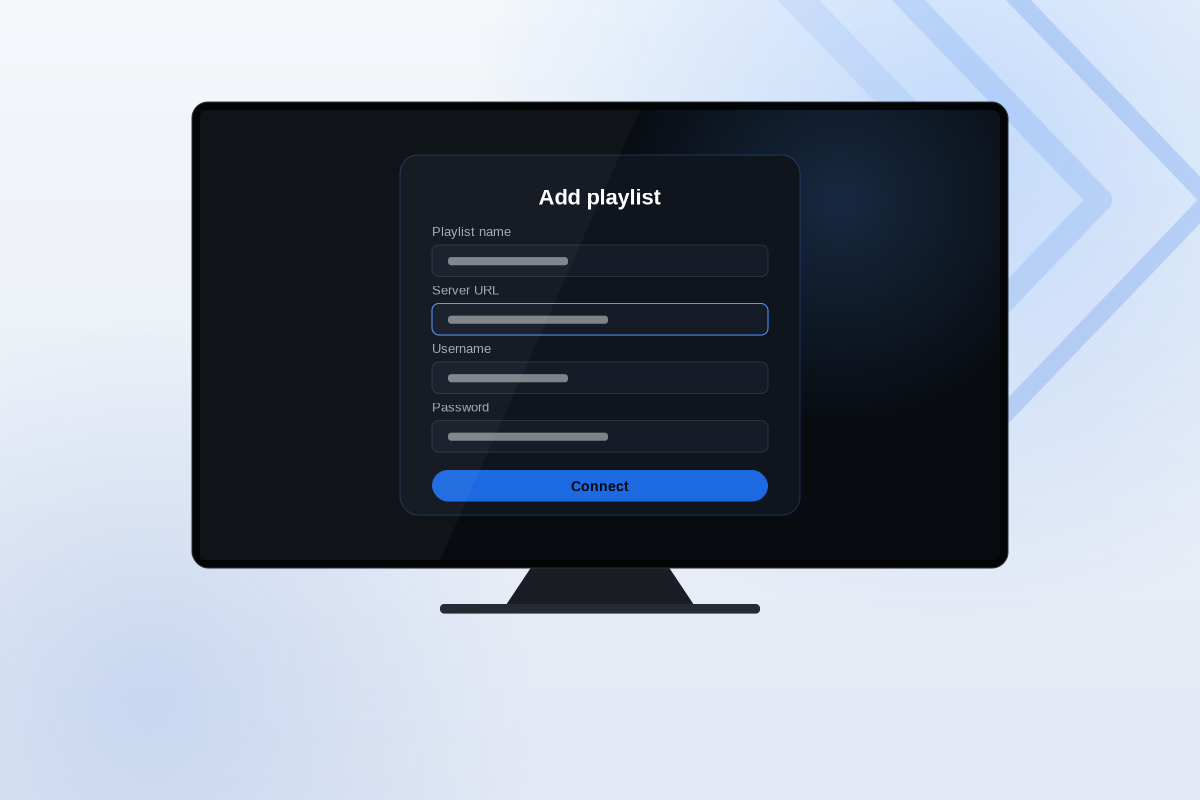
- In the player, choose the Xtream Codes option if offered, or paste the M3U link.
- Enter the server, username and password exactly as we sent them.
- Save and give the list a minute to load, then open the guide.
Tips for smart TVs
- Plug the TV into the router with a cable. Built-in TV Wi-Fi is often weaker than a stick's.
- Hide the categories you do not watch to keep the app quick.
- Turn off motion smoothing for sport if it looks unnatural; turn on game or sport mode if your TV has one.
When a stick is better
If your TV is older, slow to respond or lacks a good player, an inexpensive Fire TV Stick, Google TV stick or Apple TV usually gives a much smoother result. See the Fire TV guide or our device guide.
Need help choosing? Send us your TV model and we will tell you what works best.