Key points
- Works on every current Fire TV Stick, the Cube and Fire TV smart TVs
- Allow ten minutes for the first setup
- Keep the login we sent on WhatsApp close by
Fire TV Sticks are the most common way our customers watch, in all four countries we serve. They are inexpensive, they plug straight into an HDMI port, and the 4K and 4K Max models have the memory to cope with a big line-up and fast live sport. The steps below work on every recent stick, the Fire TV Cube and TVs that run Fire TV out of the box.
Get the stick ready
- Install updates. Open Settings › My Fire TV › About, choose Check for Updates and let the stick restart if it asks.
- Make some space. Remove apps you no longer use. The player needs room for the channel list and guide data.
- Have your details ready. After you order or ask for a test line, we send a server address, a username and a password on WhatsApp, and often an M3U link too.
Choose a player
TrimixIPTV plays inside an IPTV player app made by a third party. Some players are in the Amazon Appstore; others come from the developer's own website using Amazon's free Downloader app. Our welcome message names the player we recommend for Fire TV right now, with steps for that exact app.
Only install apps from the Amazon Appstore or the developer's official site. Ignore "ready-made" app files offered by strangers.
Install the player
- If the player is in the Appstore, search for it from the home screen, open it and choose Get or Download.
- If it is not, open Settings › My Fire TV. No Developer Options? Go to About and click your device name seven times to unlock them.
- Install Downloader from the Appstore, then allow it under Developer Options › Install unknown apps.
- Open Downloader, type the player's official download address, install it and delete the installer file afterwards.
Sign in with your TrimixIPTV details
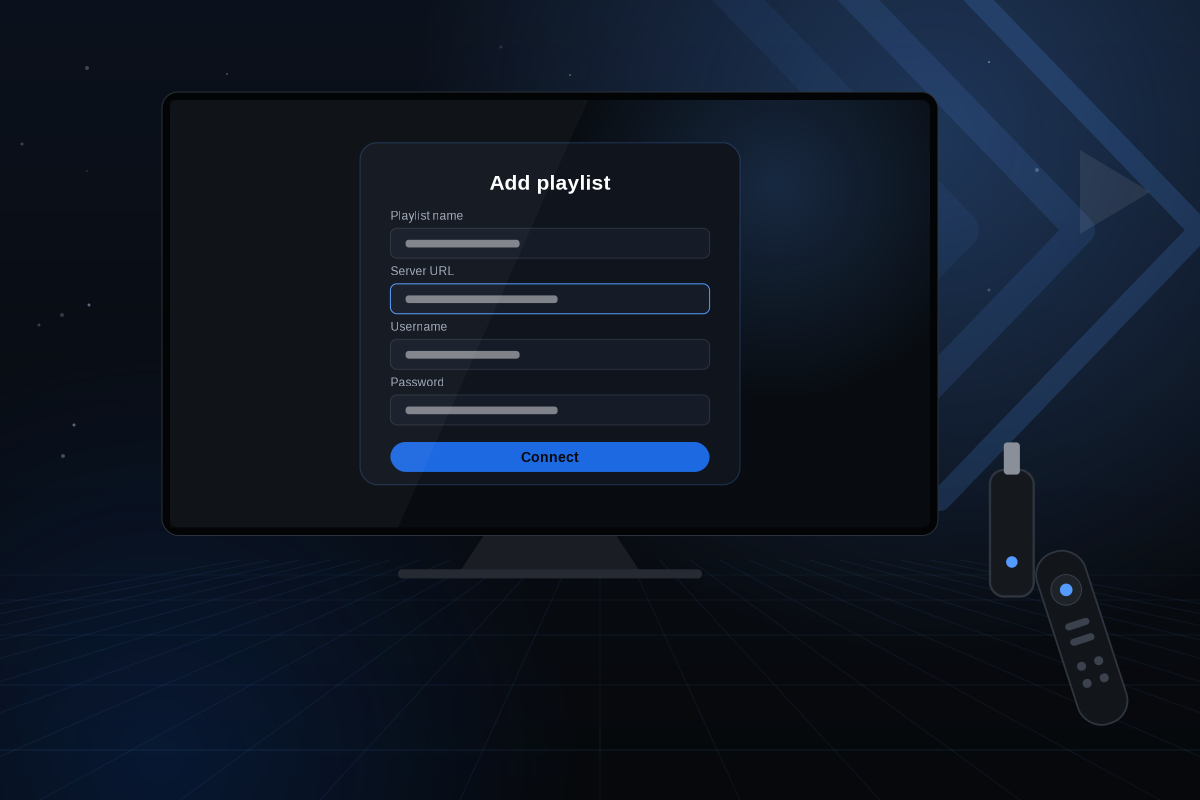
- Open the player and look for Add account, Add playlist or Login.
- Choose Xtream Codes (also called Xtream API). It is quicker than an M3U link and fills in the TV guide automatically.
- Enter the server address, username and password exactly as sent, including
http://and any port number such as:8080. - Save and wait while the channels, films, series and guide load for the first time. This can take a minute or two.
Typing long passwords with the remote is tedious. The Fire TV app on your phone gives you a full keyboard.
Fine-tune for sport
- Frame rate: on 4K models, turn on Match Original Frame Rate in the display settings for smoother motion.
- Favourites: group your most-watched channels so they open first.
- Hide categories: fewer categories mean faster loading and less scrolling.
- Clock: if guide times are off, check the Fire TV time zone and the player's EPG offset.
Keep it running smoothly
Clear the player's cache from Settings › Applications › Manage Installed Applications every few weeks and restart the stick now and then. If it sits tight behind the TV, use the HDMI extender from the box so it stays cool. For live sport, an Ethernet adapter for the stick is the best few dollars you will spend.
Common problems
| What you see | Usual reason | What to do |
|---|---|---|
| Login rejected | A typo or a stray space | Type the details again using the phone keyboard |
| Live channels but no films | The first load was cut short | Refresh the playlist in the player settings and wait |
| Picture stutters in games | Weak Wi-Fi or an older stick | Use an Ethernet adapter or 5 GHz Wi-Fi, or choose the HD stream |
| Stick restarts on its own | Low storage or heat | Remove unused apps, clear the cache, give it air |
Still stuck? Work through our freezing checklist or send a photo of the screen on WhatsApp.